 QasbaGuard
Audit & hardening · Windows + Android
Your antivirus watches who comes in. QasbaGuard closes the doors.
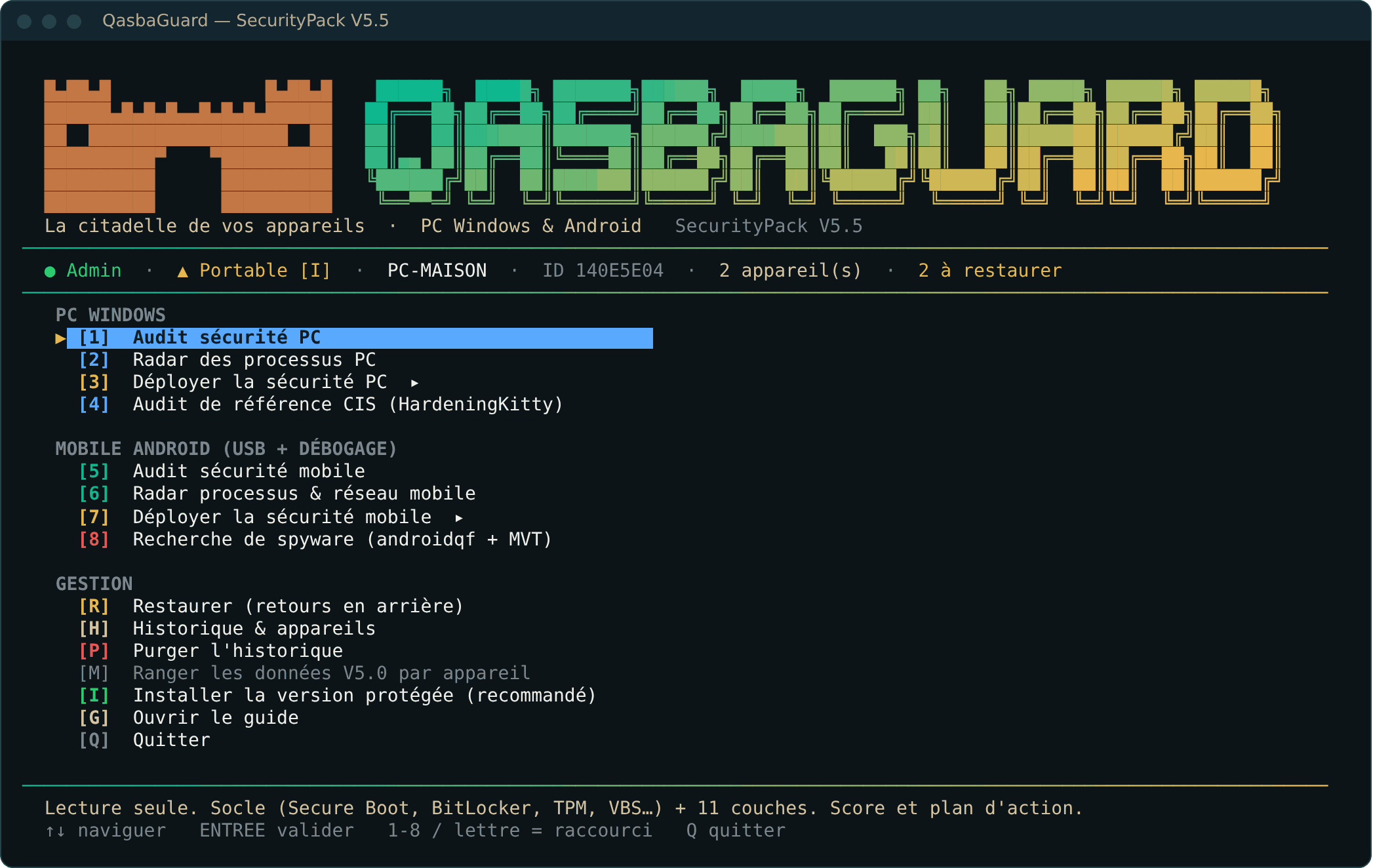
A free tool that checks, then strengthens the security settings of your PC and phone, in four levels, with rollback at any time.
0 downloads
The blind spots
What your antivirus doesn't look at
An antivirus looks for malicious programs. It doesn't check whether your doors were left open. Depending on your job and how you use your devices, those are often what matters.
Old network doors
LLMNR, NetBIOS, SMBv1: on public Wi-Fi, someone nearby can capture your credentials.
A disk anyone can read
A stolen laptop without BitLocker encryption can be read in minutes.
Passwords in memory
Without LSASS protection, credential-stealing tools can read your sessions.
Apps that spy
Accessibility, notification access, device administrator: the powers spyware relies on.
Forgotten debugging
USB debugging left on gives any connected PC full access to the phone.
Unfiltered DNS
Private DNS blocks tracking and malicious domains, on every network.
How it works
Measure, strengthen, and always be able to go back
Audit
Read-only. A clear report, a score and a list of actions, for the PC and the phone.
Simulate, then apply
Pick a level. The simulation shows every change before it happens.
Roll back
Each deployment creates its own rollback. The menu replays them in the right order.
Four levels
The higher the rampart, the narrower the gate
Each level adds protection and a little friction. Choose according to what you protect, not how worried you are.
2 · Hardened
To work with peace of mind
Find my level in 3 clicks
Compatibility
It works with your antivirus, not instead of it
QasbaGuard never disables your antivirus. It recognises it, lets its updates through at the Military level and preserves its rights on Android. Your password manager and accessibility tools are preserved too.
- Microsoft Defender
- Bitdefender
- Kaspersky
- ESET
- Norton
- Avast
- AVG
- McAfee
- Malwarebytes
- Trend Micro
- Sophos
- F-Secure
- G DATA
- Avira
Download · version 5.5 of 1 November 2026
Two ways to use it, one tool
Installer
- Installed in Program Files, protected against any change
- QasbaGuard shortcut on the Desktop
- For long-term use
…Portable
- One folder to extract, nothing is installed
- Ideal for trying it out, or from a USB stick
- Switch to the installed version with one key
…Language of the tool. The QasbaGuard menu is in French for now. Reports are available in English, Arabic, Tamazight and French, and the guide on this site explains each key.
Support the project
Free, and it will stay free
No account, no ads, no data collected from your devices. If QasbaGuard helped you, a donation funds the next versions.
Reviews
What users say
Share your experience. Every review is read before it is published.
Frequently asked questions
Before you start
Could it damage my PC?
Each deployment creates a Windows restore point and a rollback file. Start with the simulation: it shows everything without changing anything. The Military level, however, is deliberately restrictive.
Do I need to disable my antivirus?
No, never. If your antivirus blocks a script by mistake, add an exclusion for the QasbaGuard folder (see the guide).
Does my data go anywhere?
No. Everything stays on your PC. Only two open-source tools are downloaded if you run the analyses that need them (HardeningKitty and androidqf), and their hash is verified before they run.
Why does Windows show a warning?
QasbaGuard is a free tool that is not digitally signed yet. Compare the file's SHA-256 hash with the one shown here, then choose “More info > Run anyway”.
What about iPhone and Mac?
Not for now: QasbaGuard covers Windows 10/11 and Android 10 and later (over a USB cable).